



Managing boards
How to manage boards.
Boards are tied to an event or location. This is important when it comes to tablet management.
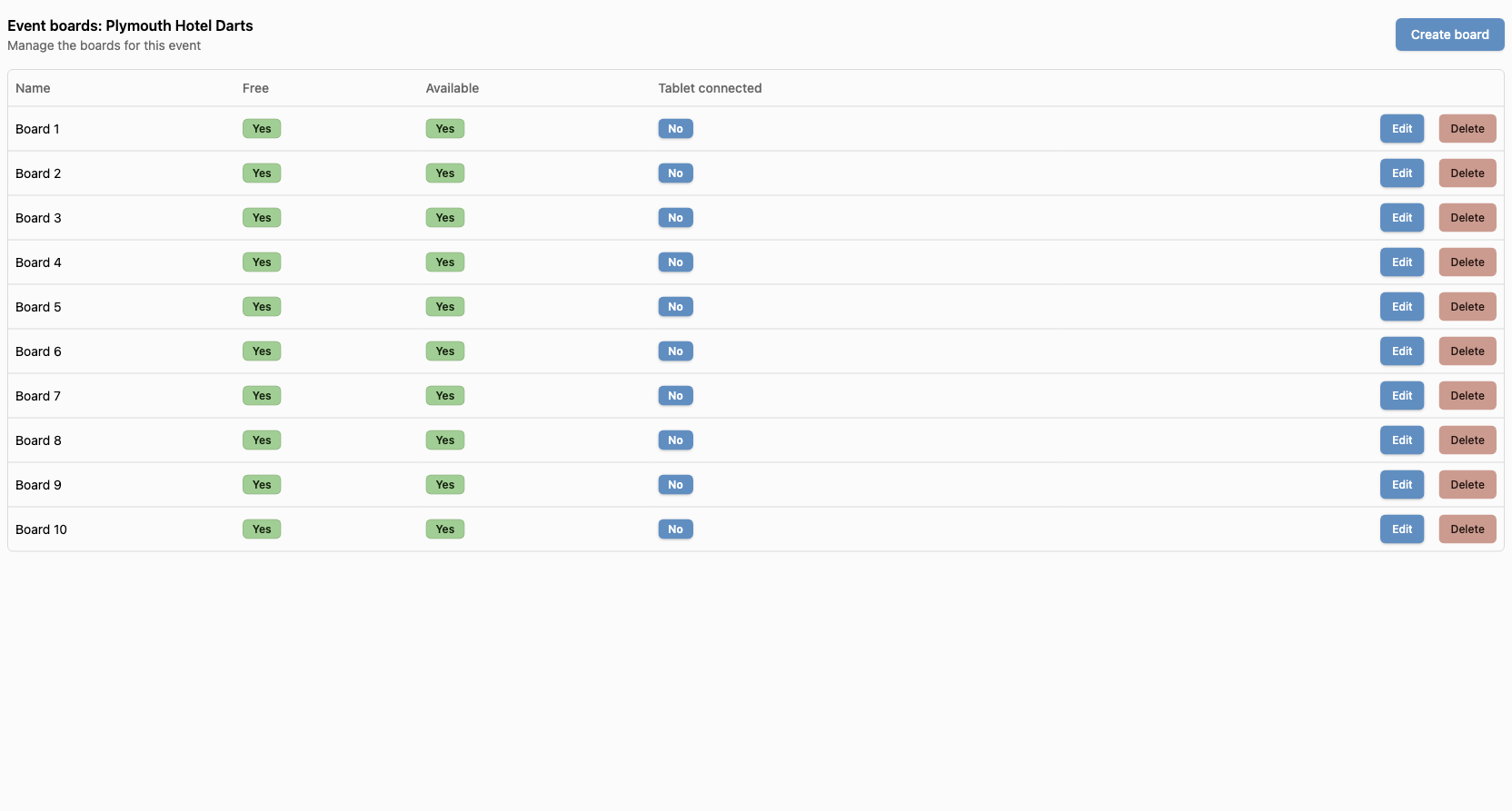
To get to the boards, you can go via 2 ways:
- Go to the event & locations list, click the actions dropdown and select
Boards. - From any tournament page, go to the
Setuptab and clickManage boards.
How to create a board
Once you are on the boards page, you can click the Create board button.
There are little fields available, only the name is required.
How to make a board unavailable
From the boards list, you can click the Edit button then toggle the Available switch to make the board unavailable.
You can reverse the process to make the board available again.
Unavailable boards can not be selected for a game. This is useful if you temporary want to disable a board due to damages or other issues.
How to edit a board
From the boards list, you can click the Edit button to edit the board.
How to delete a board
From the boards list, you can click the Delete button to delete the board.
How to disconnect a tablet from a board
From the boards list, you can click the Disconnect button to disconnect a tablet from a board.
If the button is not available, it means the tablet is not connected to the board.